Look around naturally
Drag the scene to change direction. Zoom and recenter without wrestling with a flattened panorama.
Vista · VR video player for Mac
Open a local VR180 or VR360 movie and explore it as a natural, Mac-viewable scene. Drag to look around, scroll or pinch to zoom, and recenter whenever you want. No headset needed.
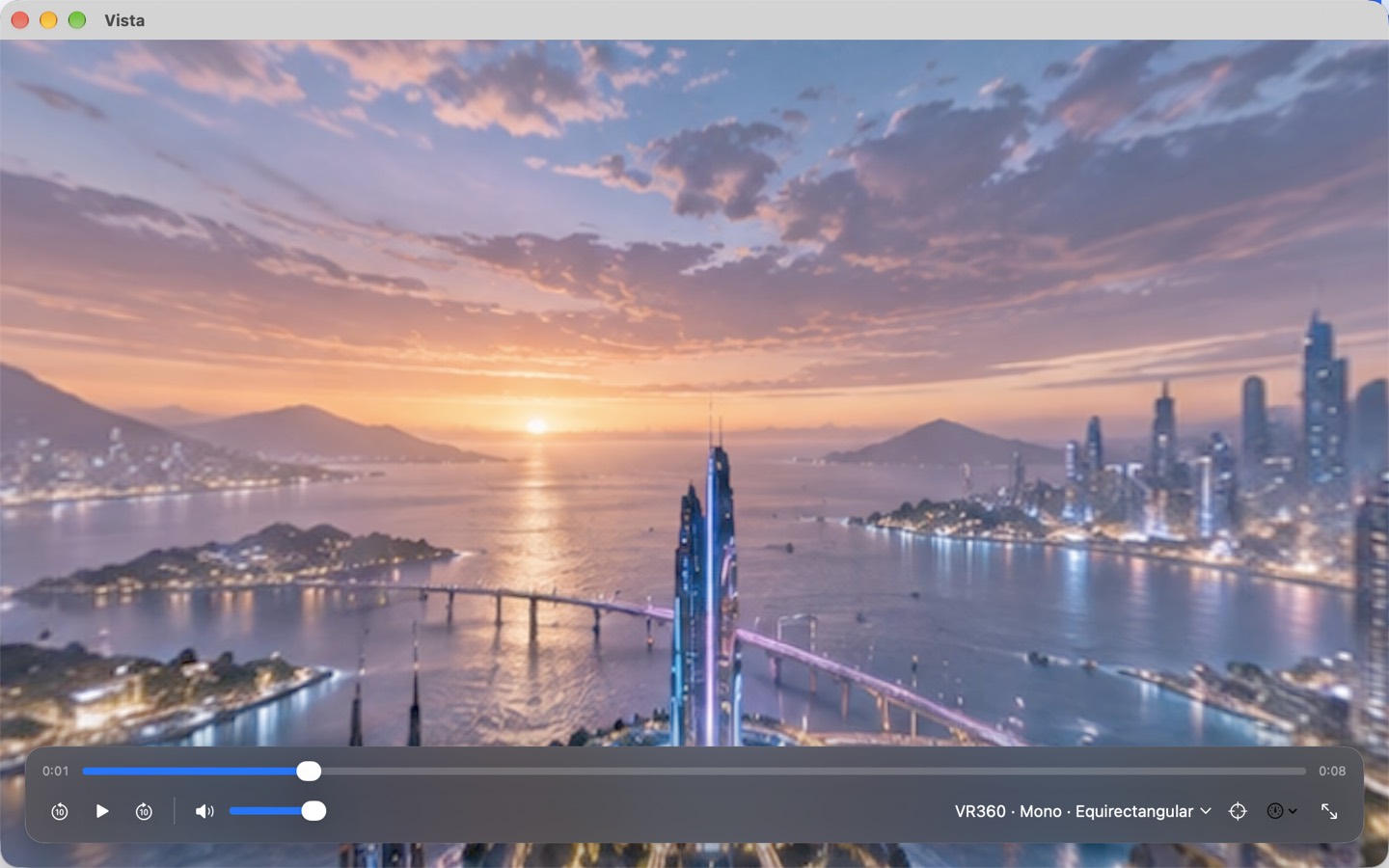
Drag the scene to change direction. Zoom and recenter without wrestling with a flattened panorama.
If a movie looks wrong, change coverage, projection, stereo layout, or displayed eye from the player.
Open files you choose from your Mac. Vista needs no account and does not upload your movies.
Formats: VR180 and VR360 · equirectangular and fisheye · mono, side-by-side, and top/bottom stereo · MP4 and MOV supported by macOS
Playback stays on your Mac. No account, ads, analytics SDK, or in-app network service.